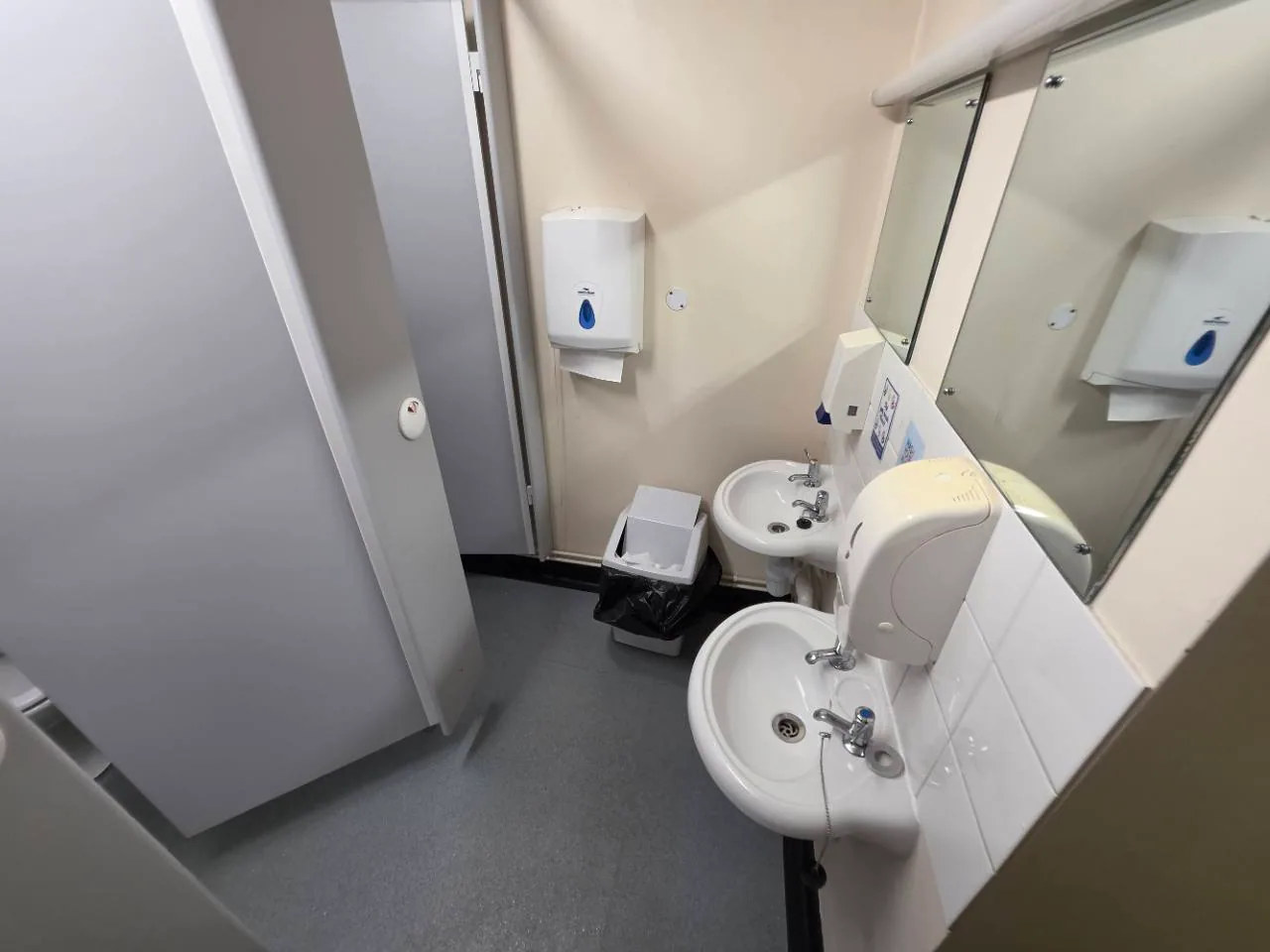
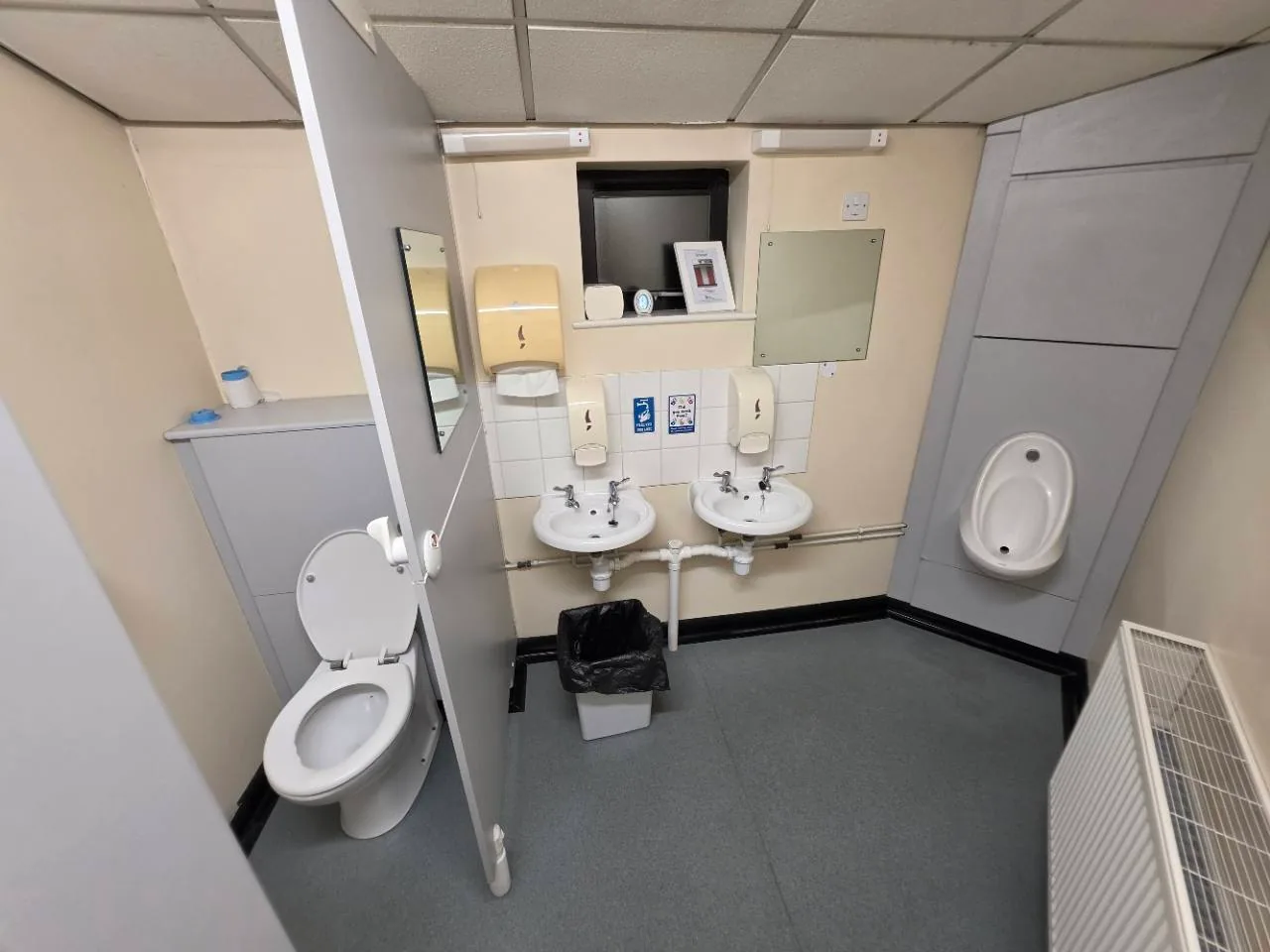
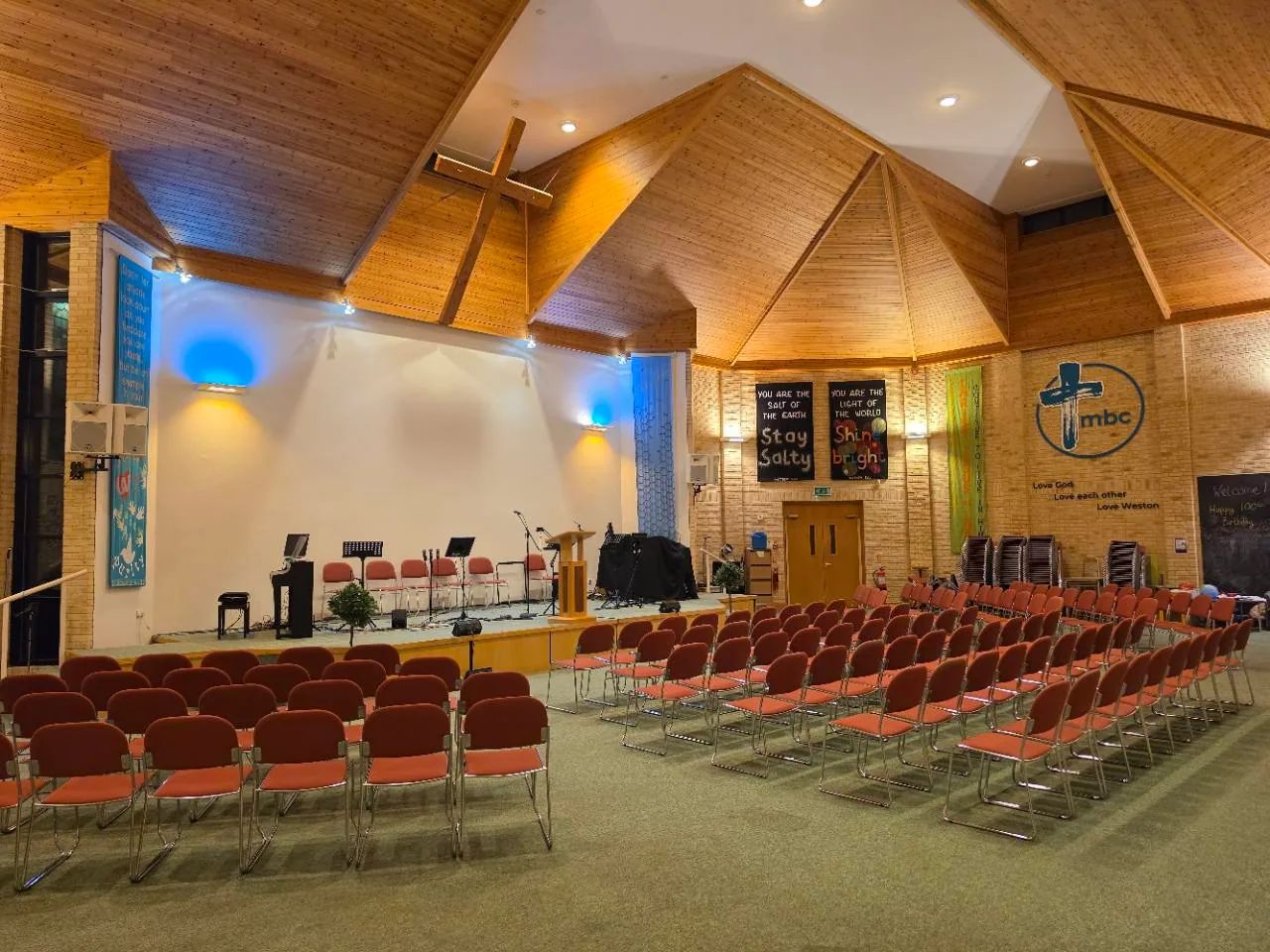
 View 4 photos
 More photographs
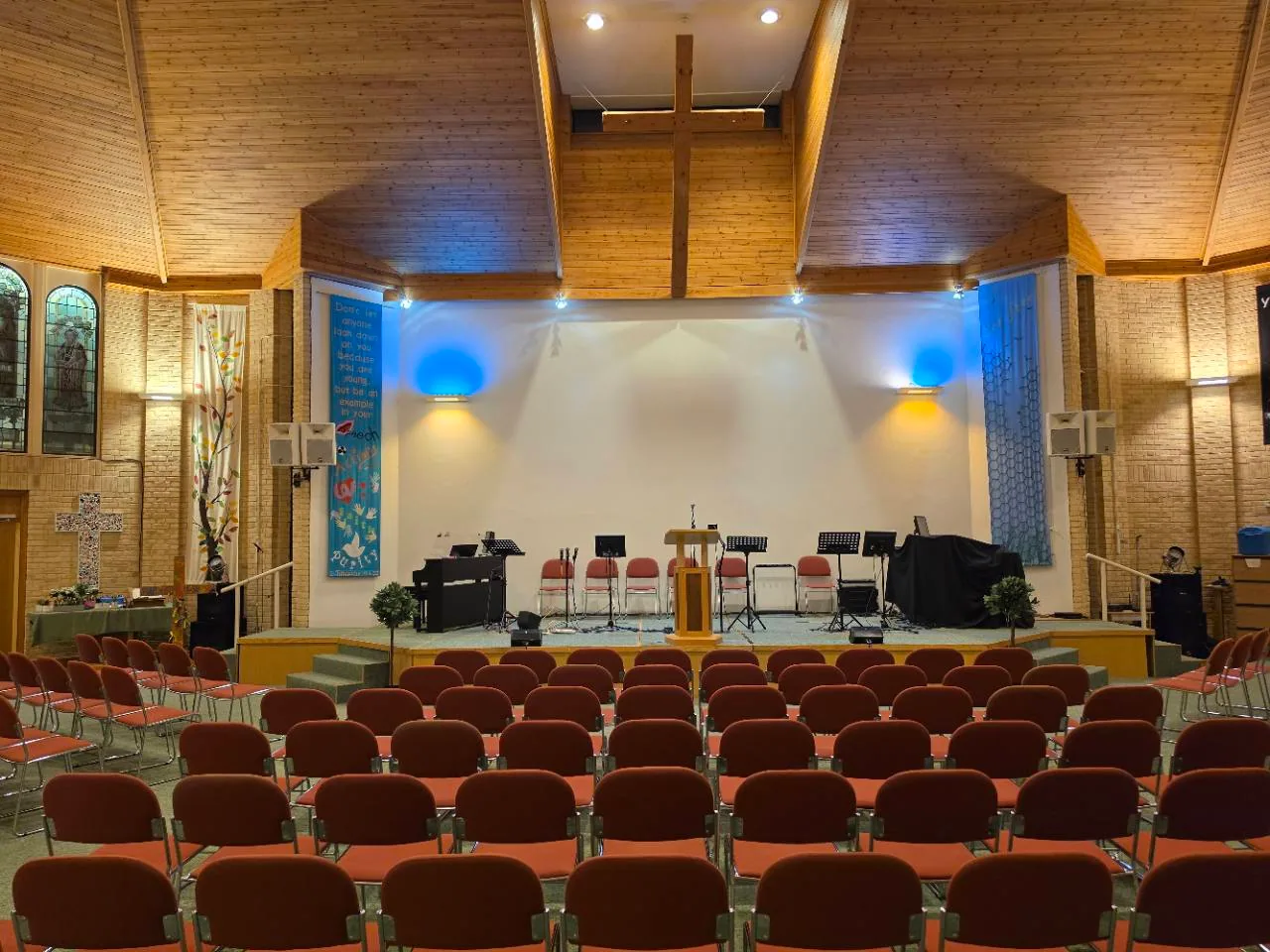
Downstairs
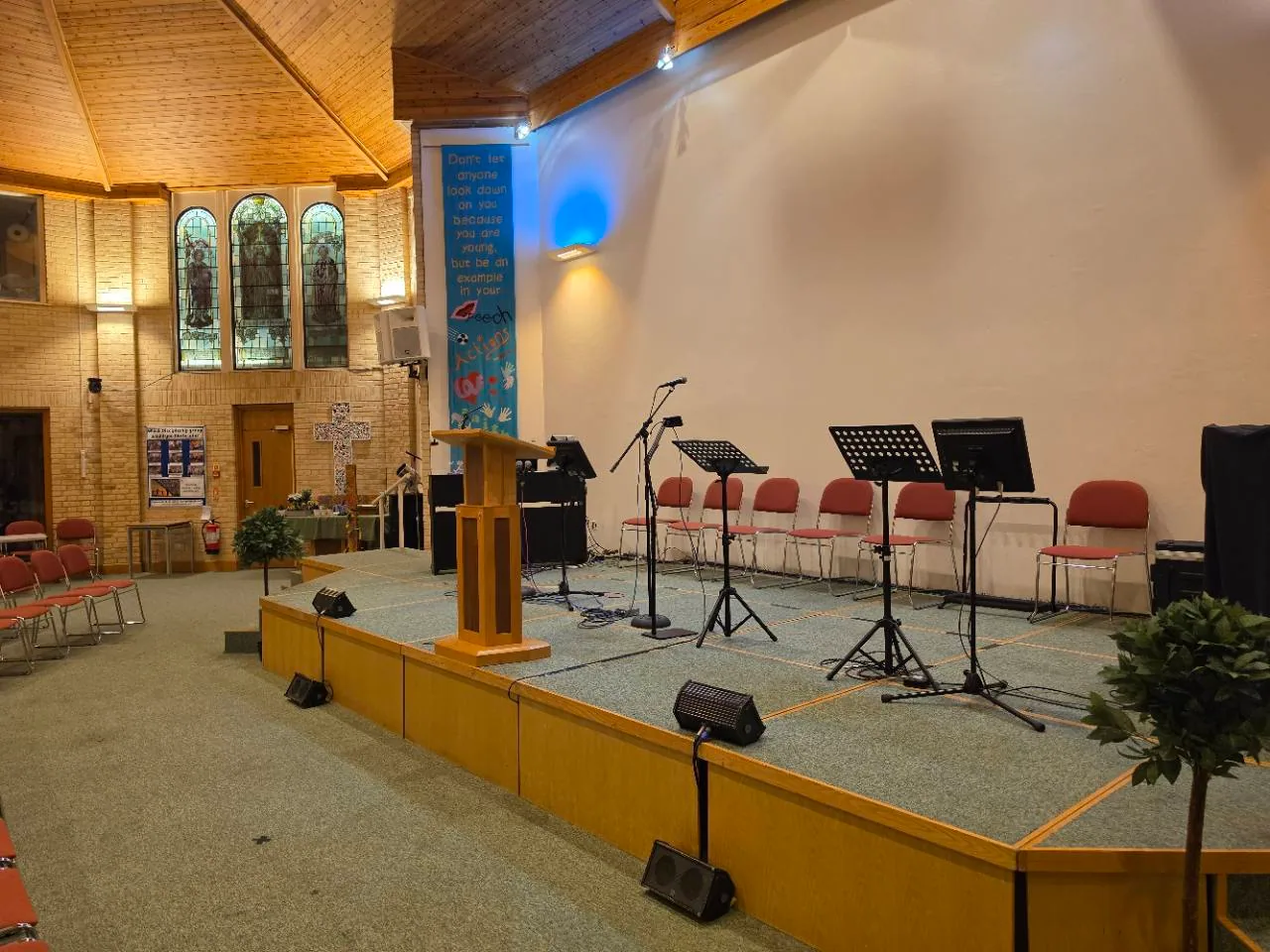
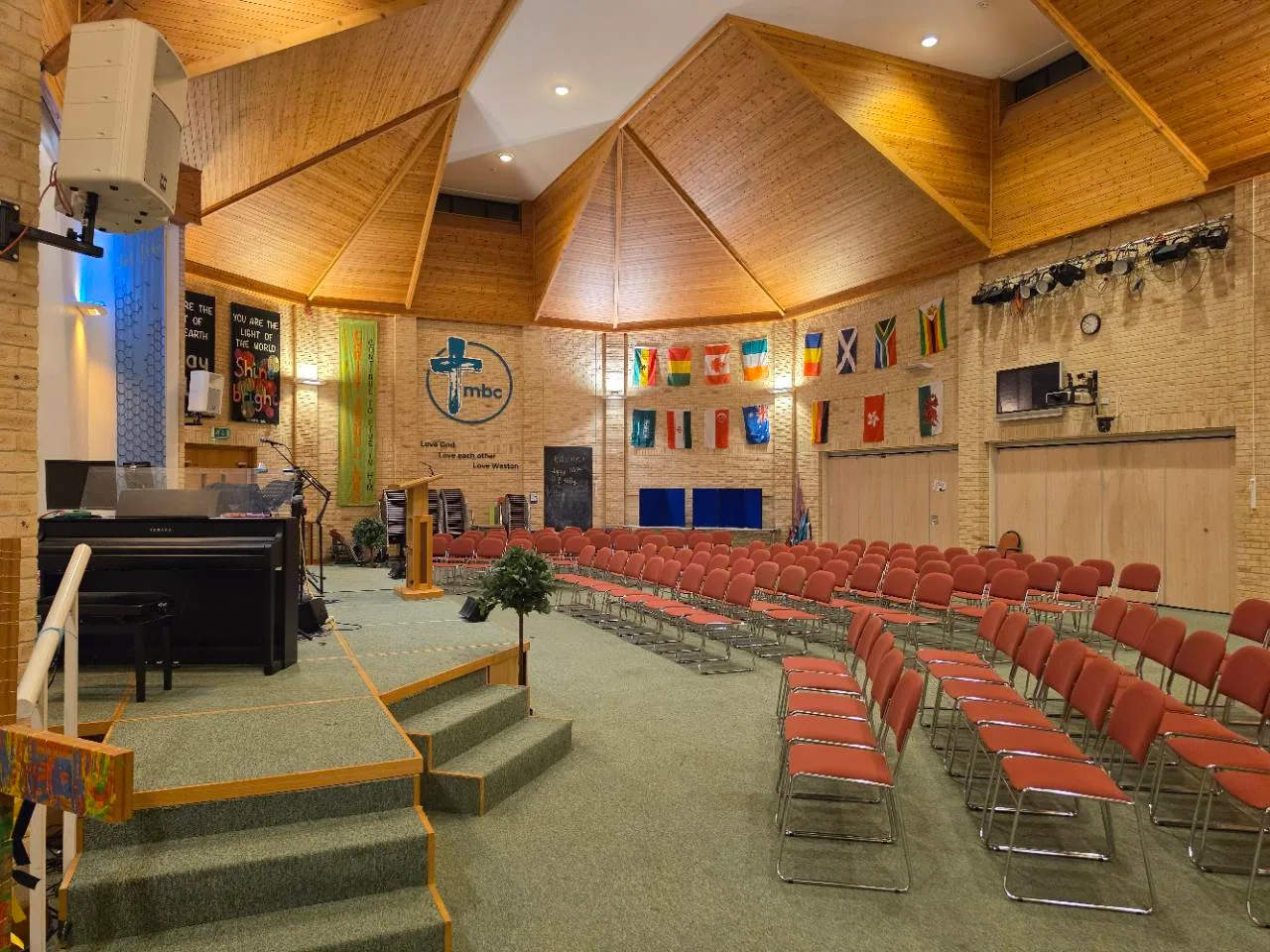
Worship Hall
For larger gatherings, performances and community events, with seating and a raised platform.
£65.00 first hour
Then £32.50 per additional hour.
For example: 2 hours = £97.50

ROOM HIRE IN WESTON-SUPER-MARE
Rooms for meetings, classes and community gatherings. Choose your space, check the diary and send a booking request.
Already a hirer? Sign in to your bookings.
FIND YOUR SPACE
Choose a room that fits your gathering. Prices are per room, per booking date, including time to set up and clear away.
Current on 4 November 2026. Prices include any applicable tax.
View 4 photos Downstairs
For larger gatherings, performances and community events, with seating and a raised platform.
£65.00 first hour
Then £32.50 per additional hour.
For example: 2 hours = £97.50
 View 3 photos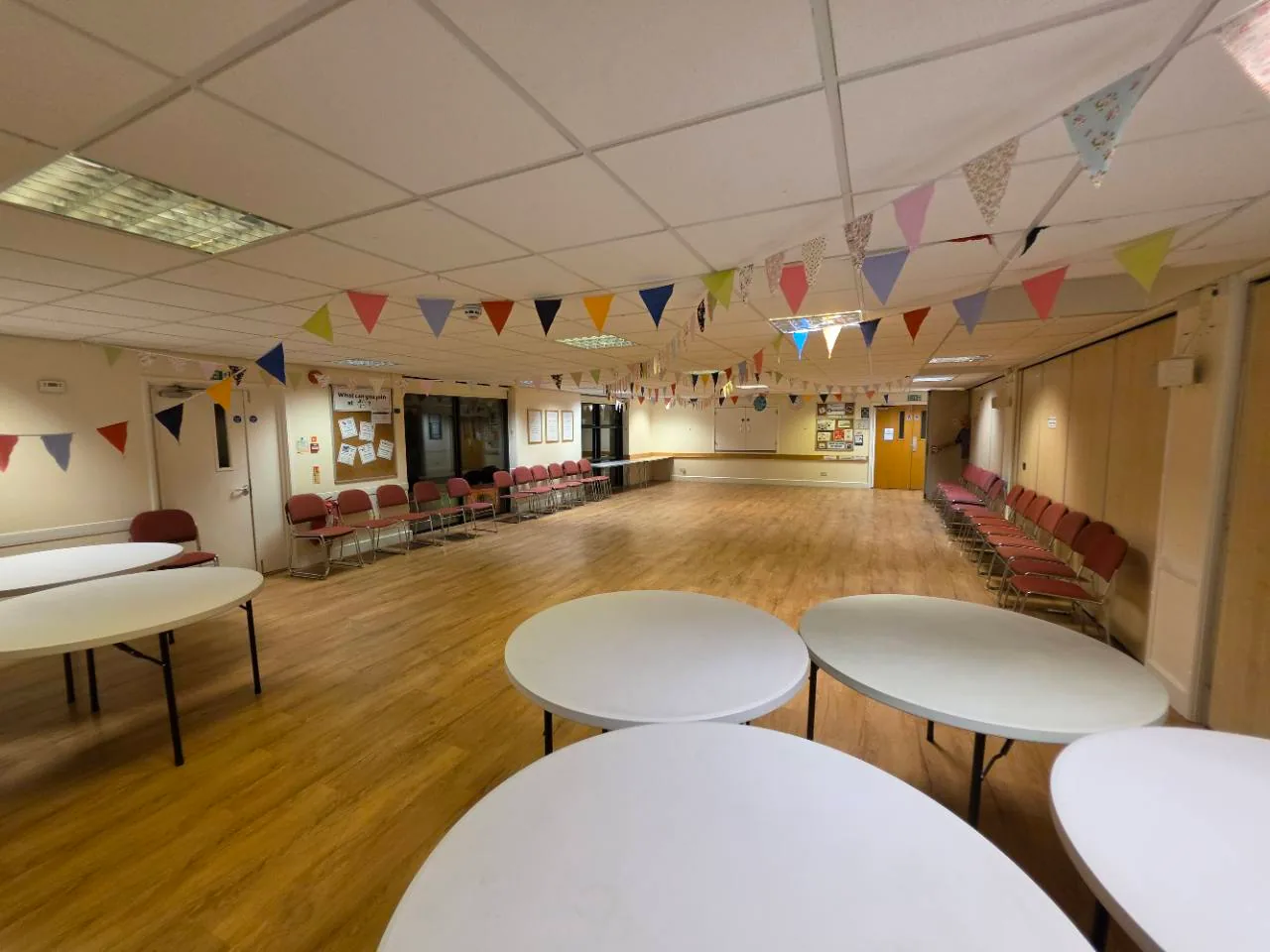
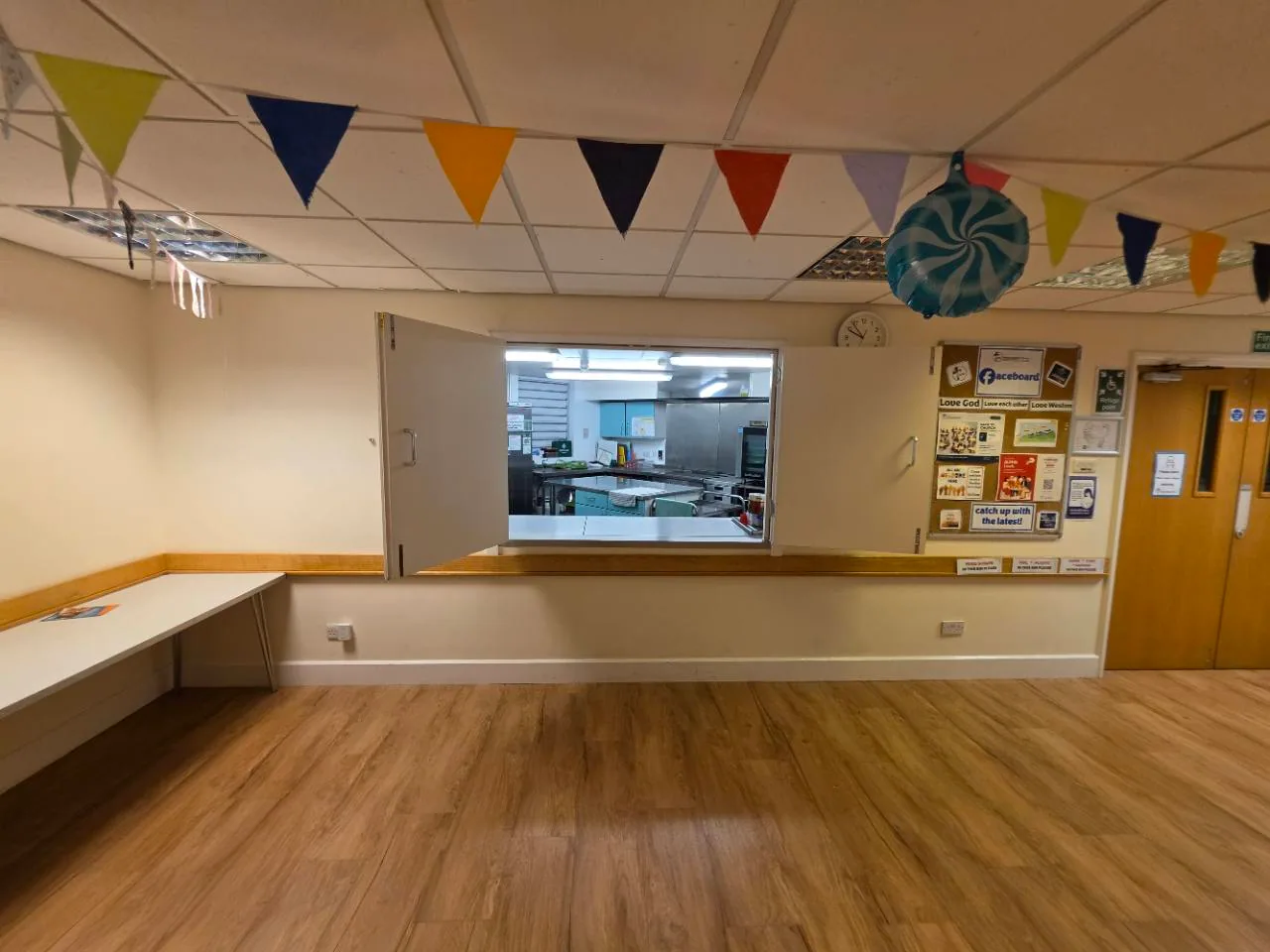
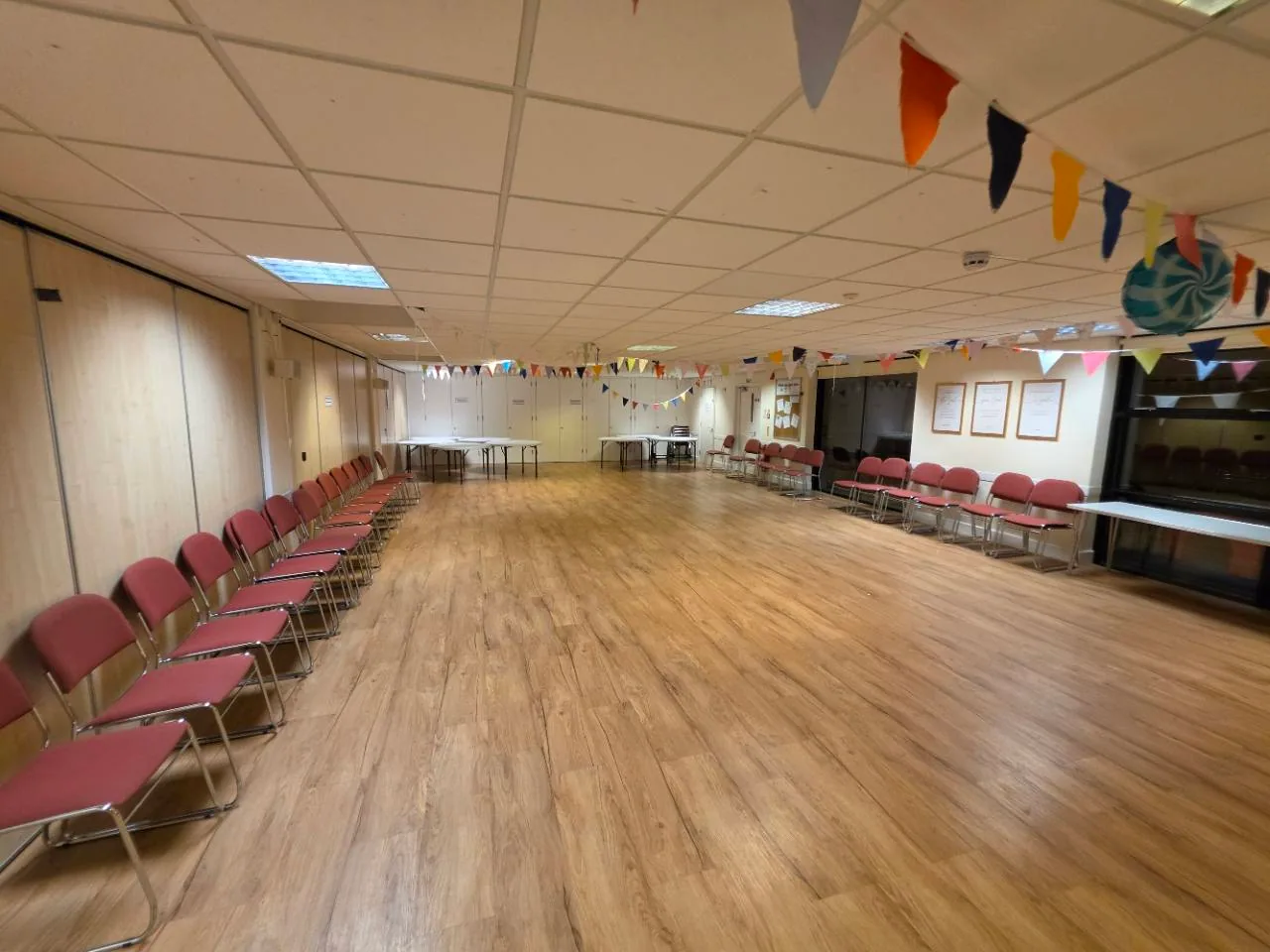
Downstairs
A flexible hall for group activities, classes and meetings, shown with tables and chairs.
£20.00 first hour
Then £10.00 per additional hour.
For example: 2 hours = £30.00
 View 3 photos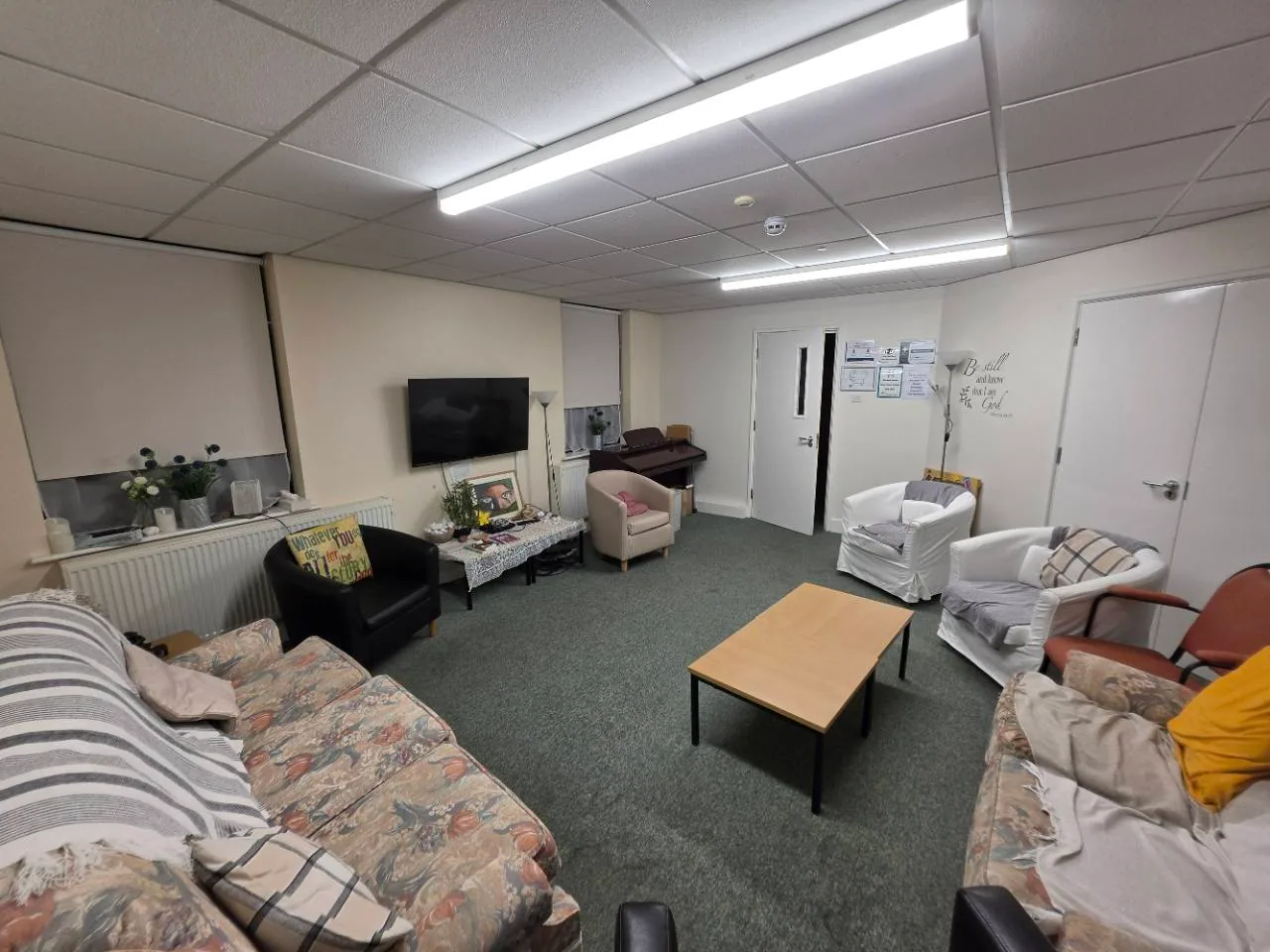
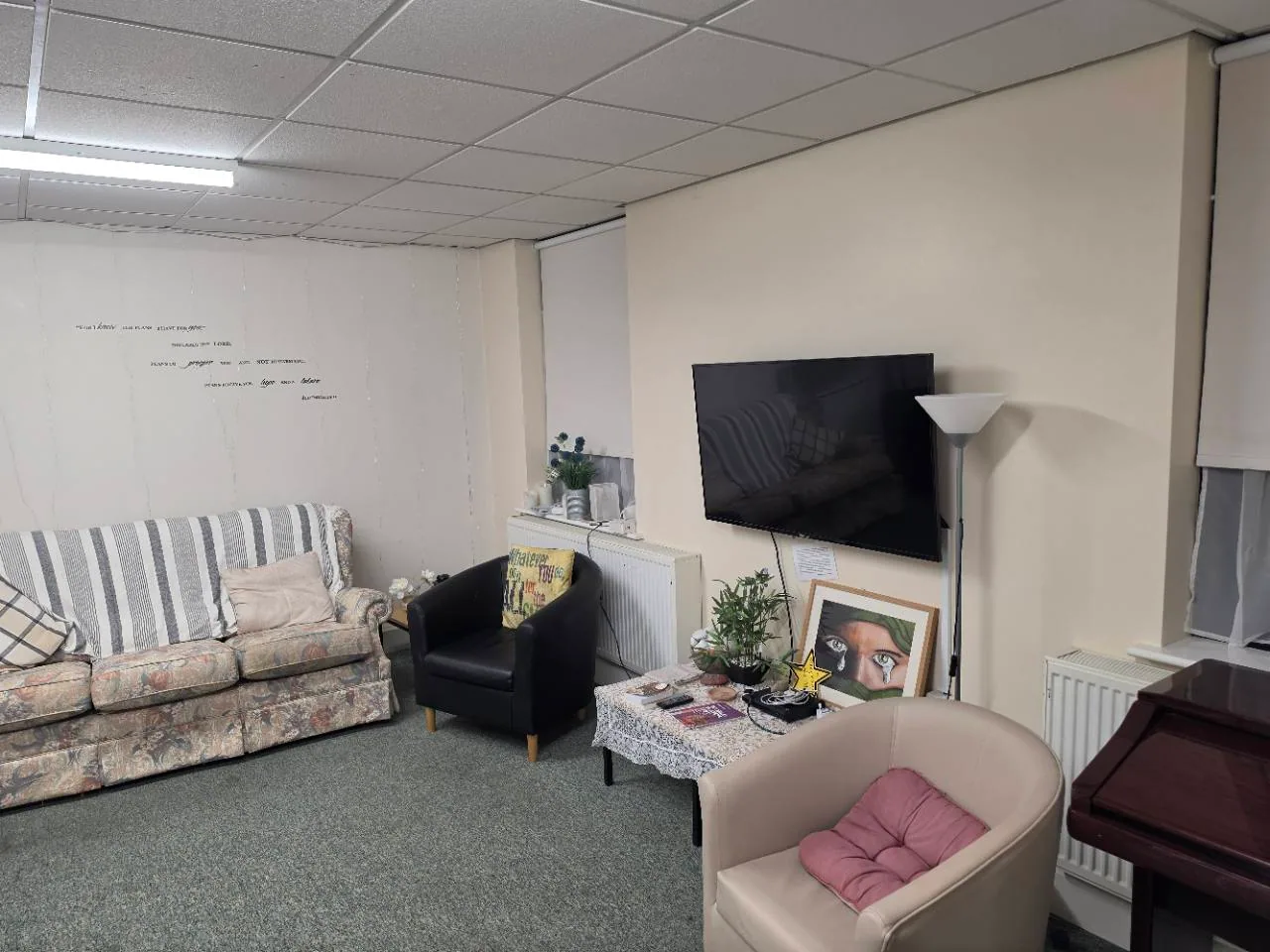
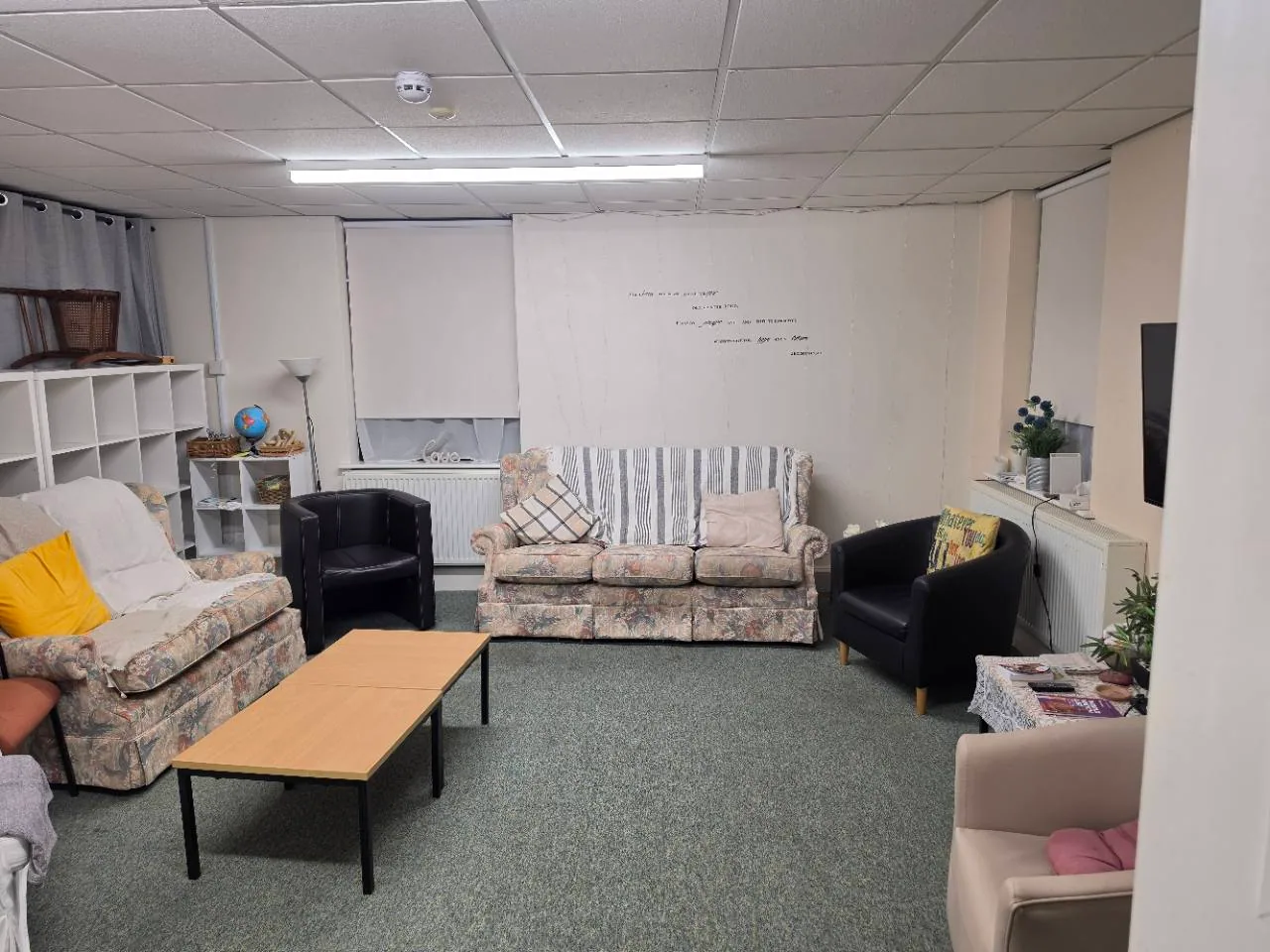
Downstairs
For smaller meetings and conversation.
£10.00 per hour
No first-hour supplement.
For example: 2 hours = £20.00
 View 3 photos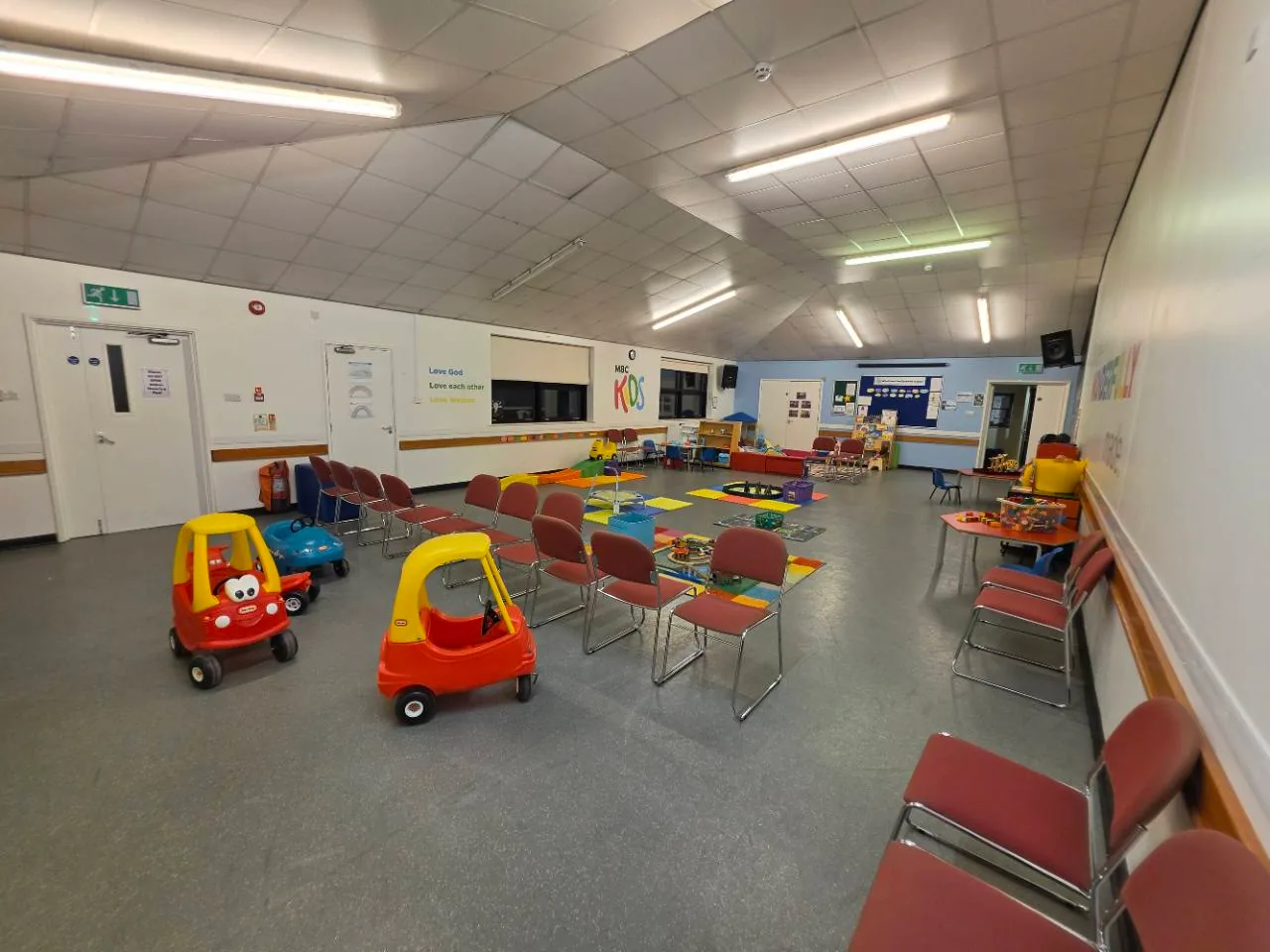
Upstairs
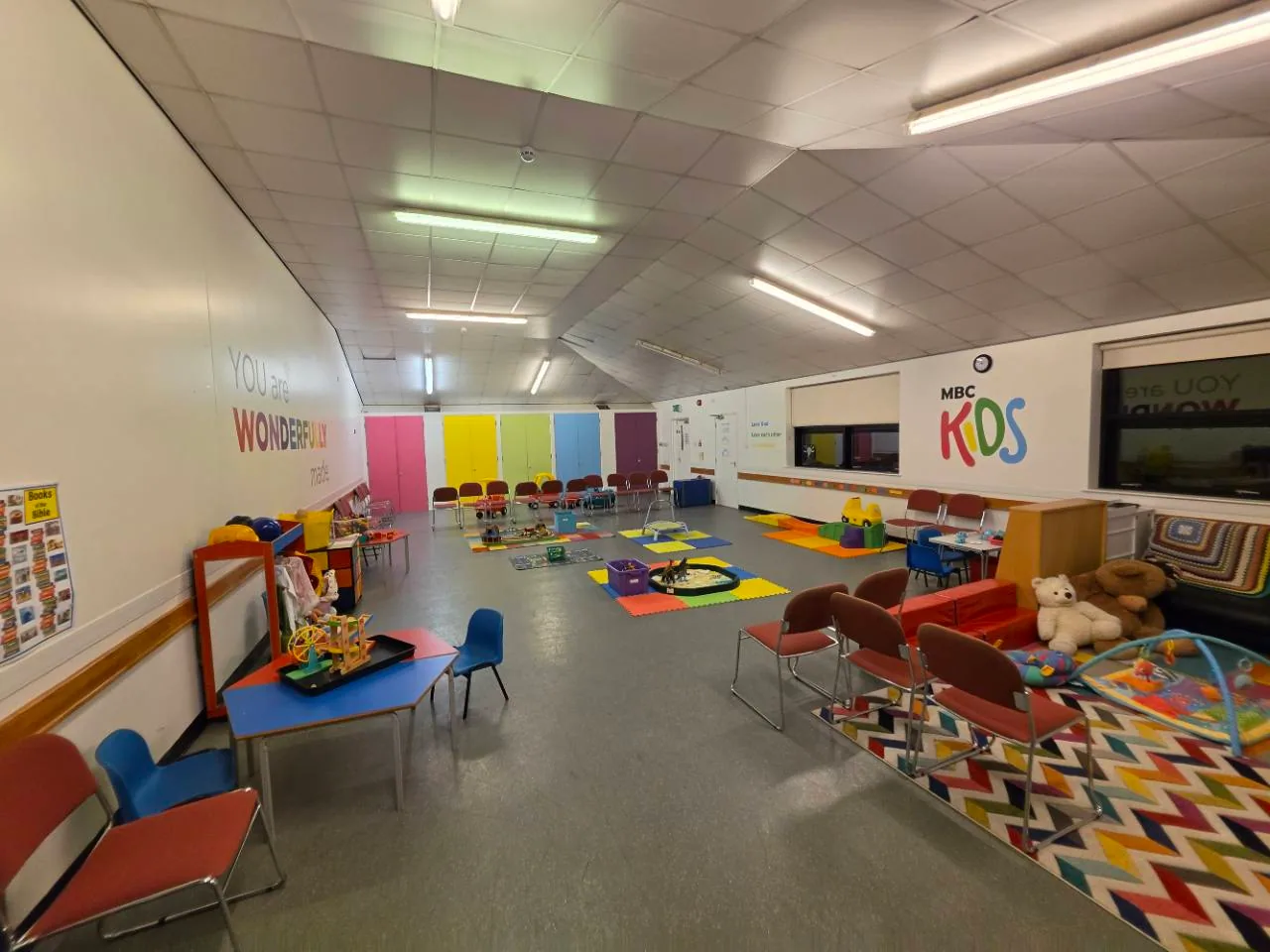
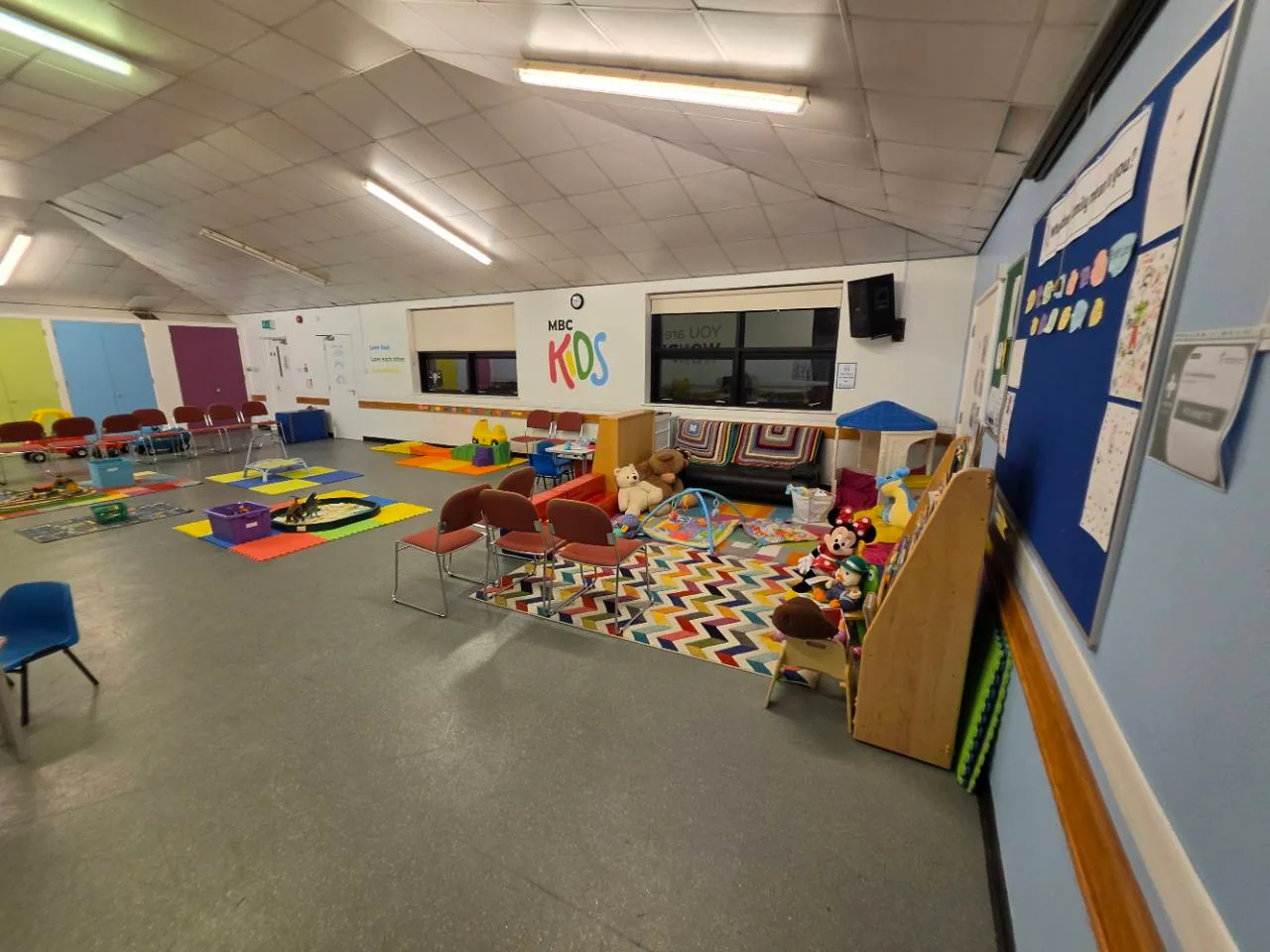
For meetings, classes and group activities. Shown arranged for children's play.
£20.00 first hour
Then £10.00 per additional hour.
For example: 2 hours = £30.00
 View 3 photos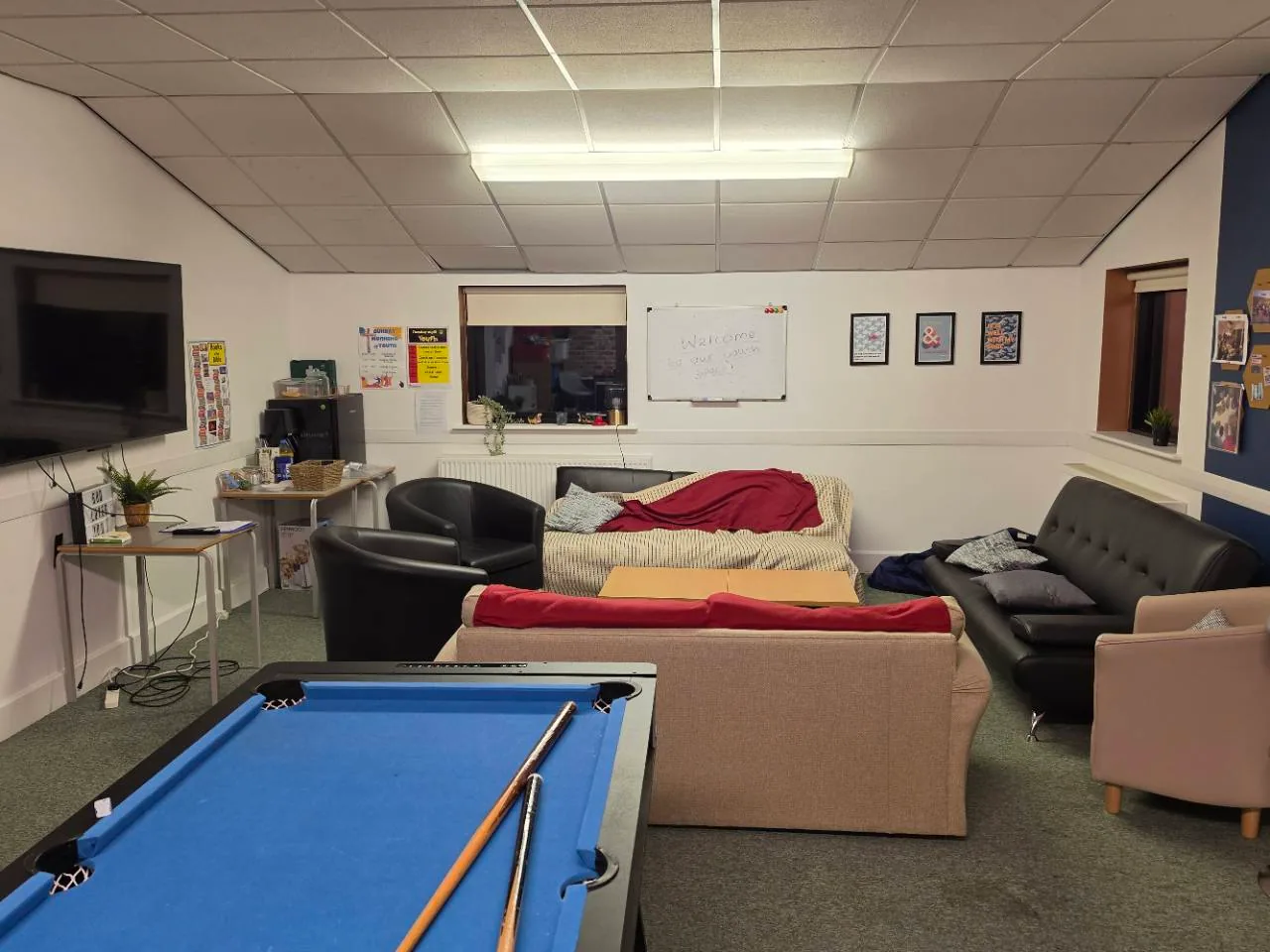
Upstairs
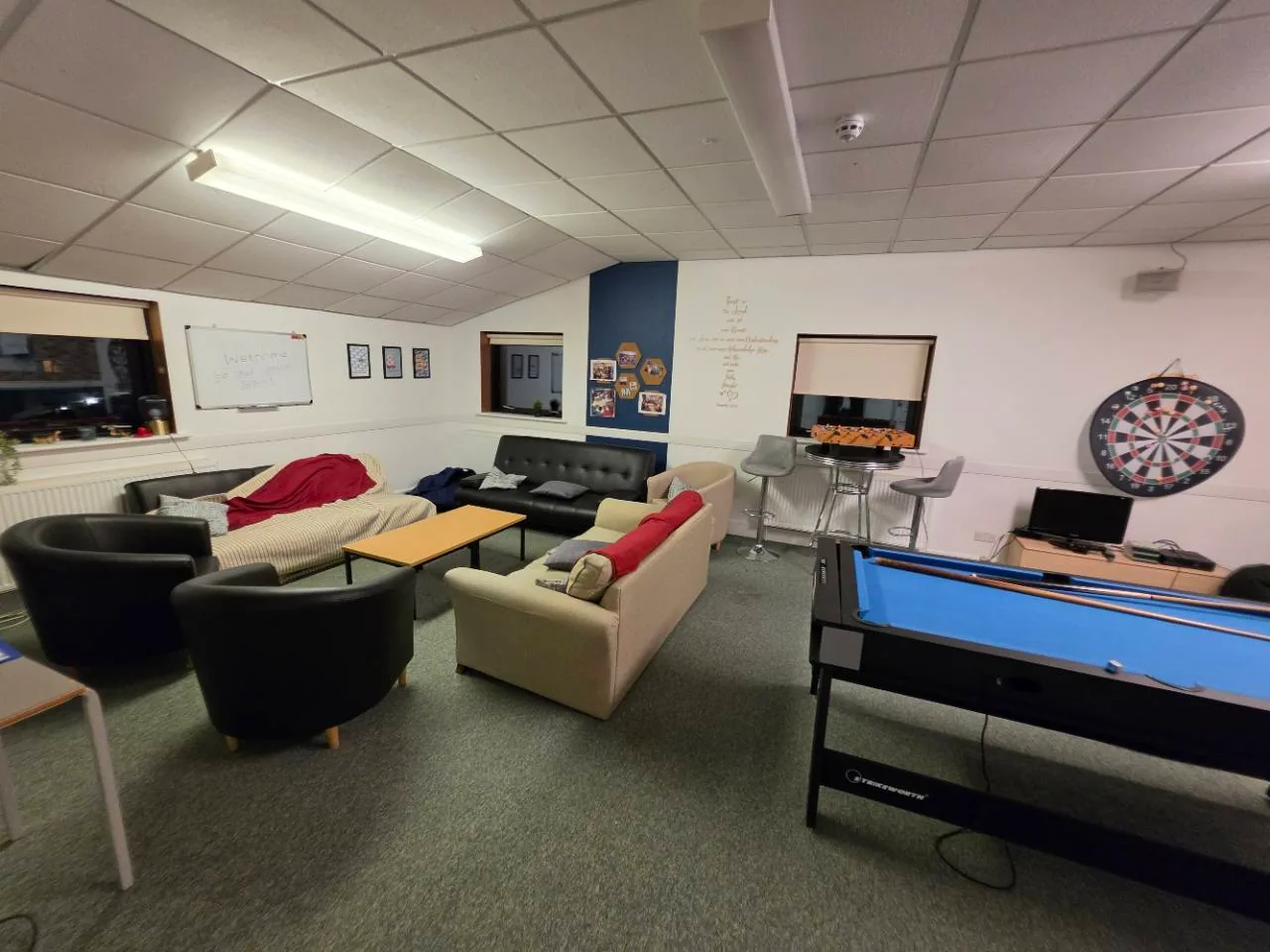
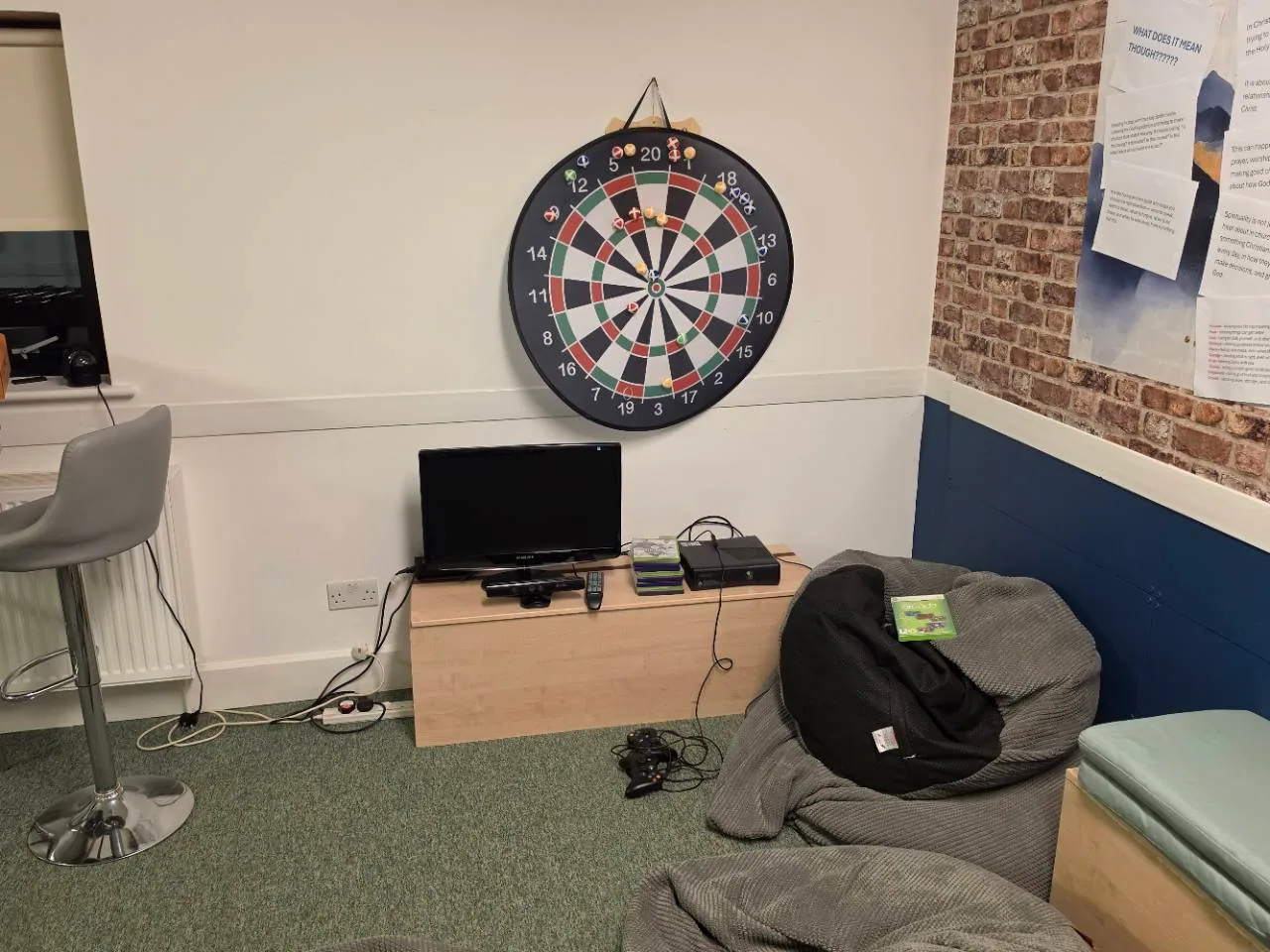
For smaller informal activities, with sofas and a games area.
£10.00 per hour
No first-hour supplement.
For example: 2 hours = £20.00
 View 3 photos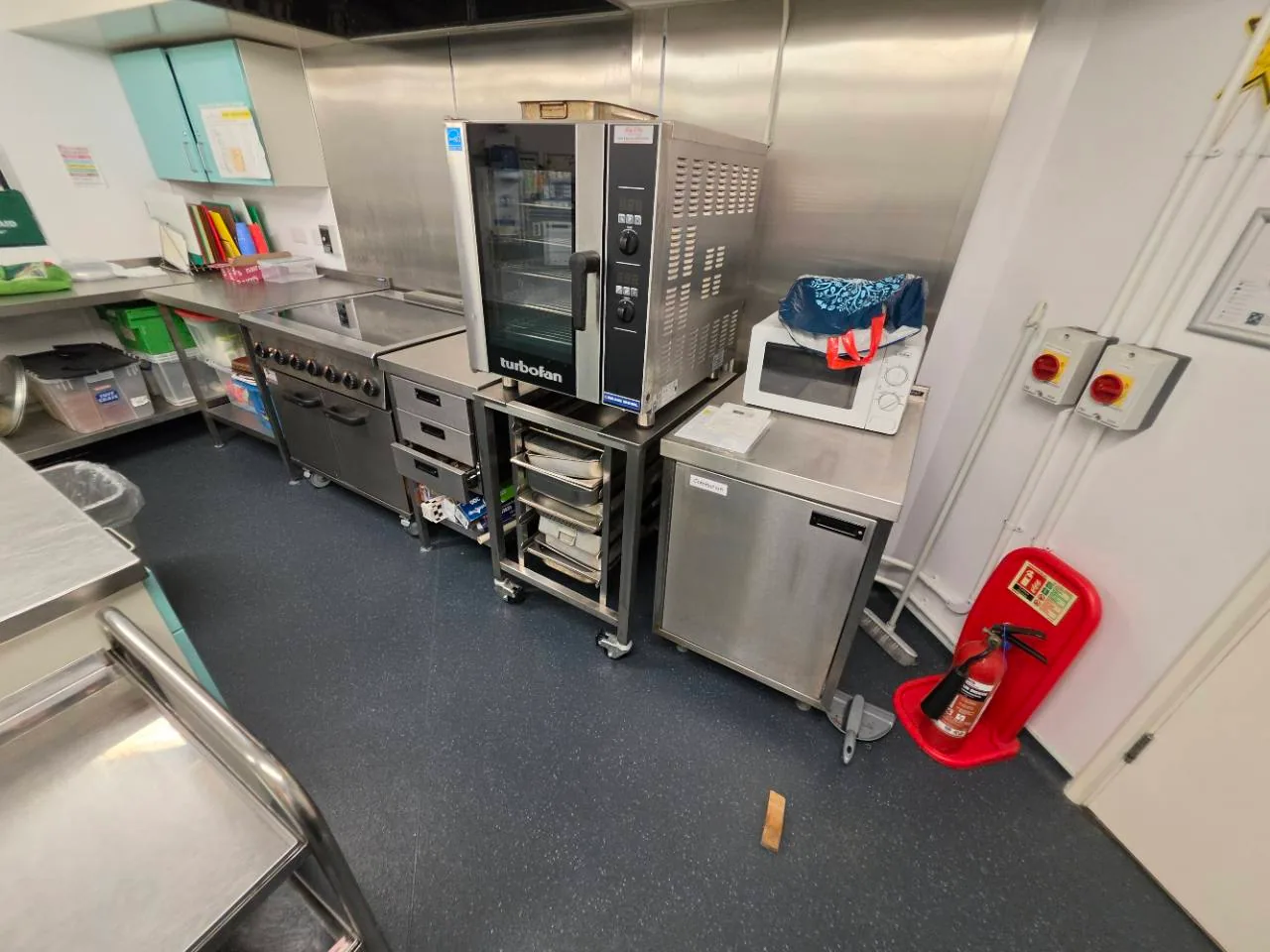
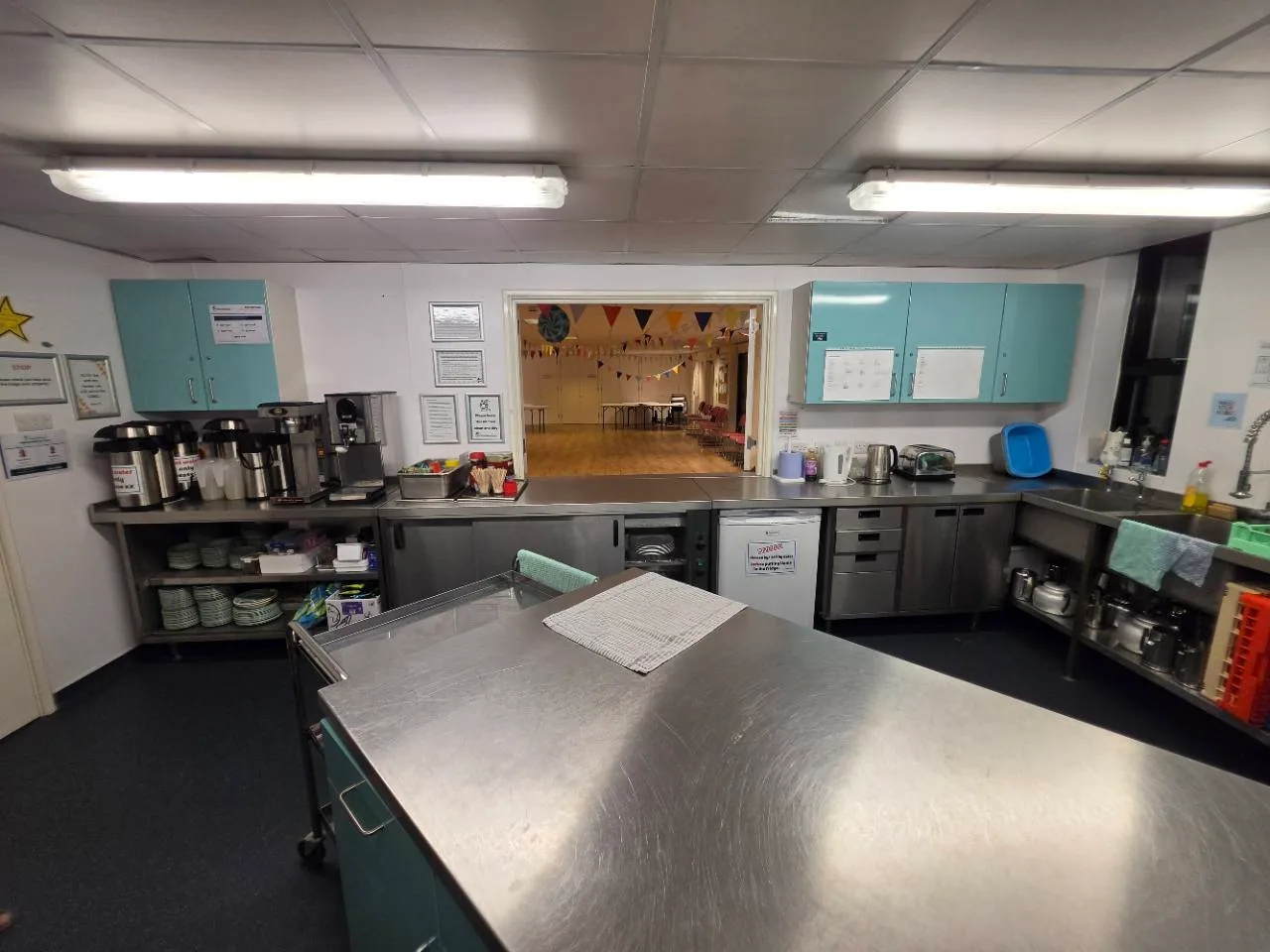
Optional extra
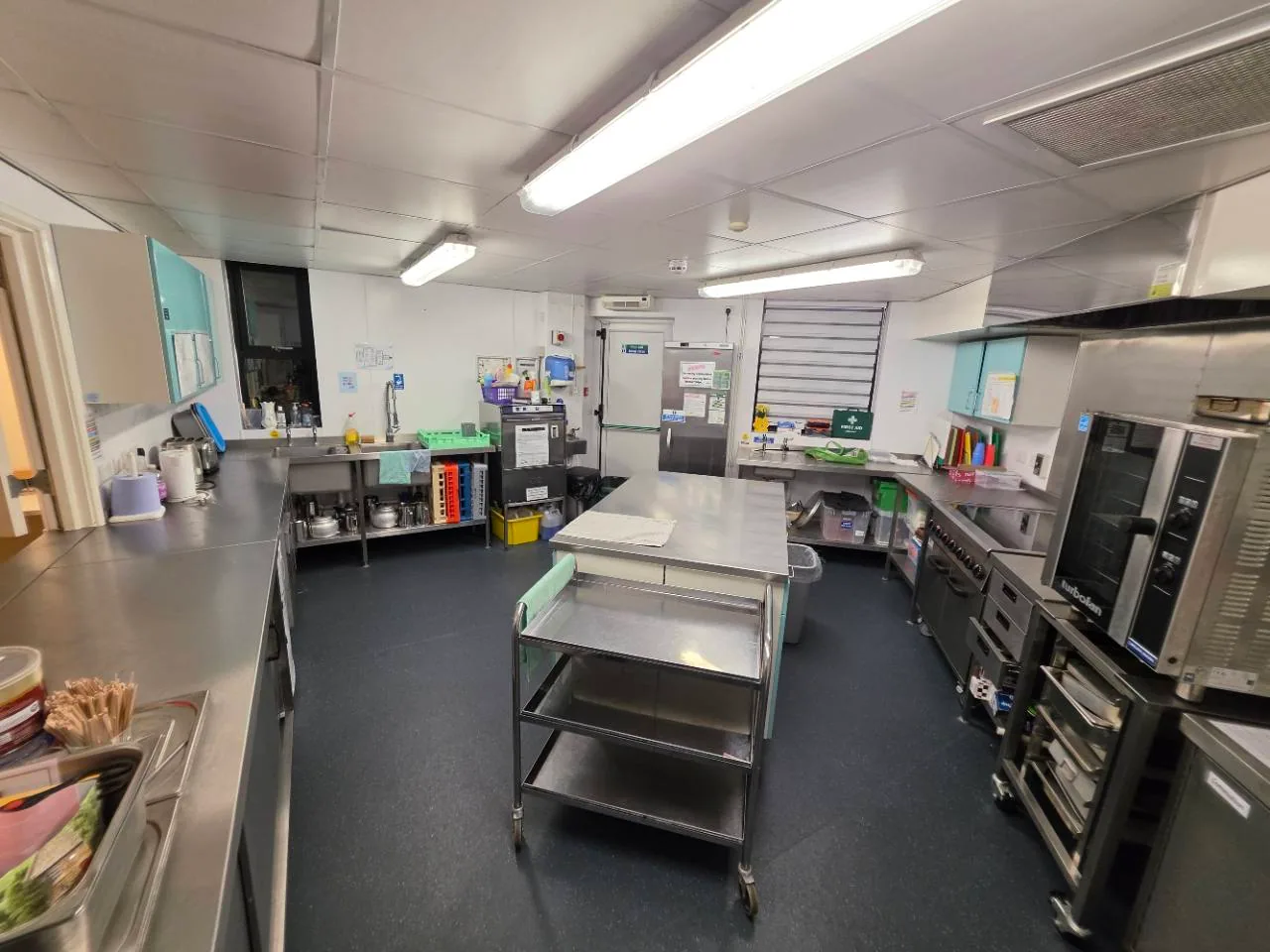
Support your gathering with drinks or food preparation. Available alongside a room booking.
Add kitchen use when requesting your room.
Where the first hour costs more, it includes a one-off supplement for bookings of one hour or more. Further part-hours are charged proportionately. Bookings under one hour use the additional-hour rate proportionately, without the supplement.
These are today's standard prices. Future bookings use the prices applicable to the booking date. The bookings team will confirm your fee and any agreed arrangements.
FIND YOUR DATE
Browse the live calendar without signing in. On a phone, opening the calendar in its own page gives you more space.
Returning hirer? Sign in to manage your bookings and invoices.
Use a room's request button to select it in the booking form.
New hirers will need to verify their email.
Include your group size, activity, layout, access needs and all time for setting up and clearing away. Review and send.
A request is not a confirmed booking. MBC will review your request, agree the fee and confirm the arrangements in writing.
PLAN YOUR VISIT
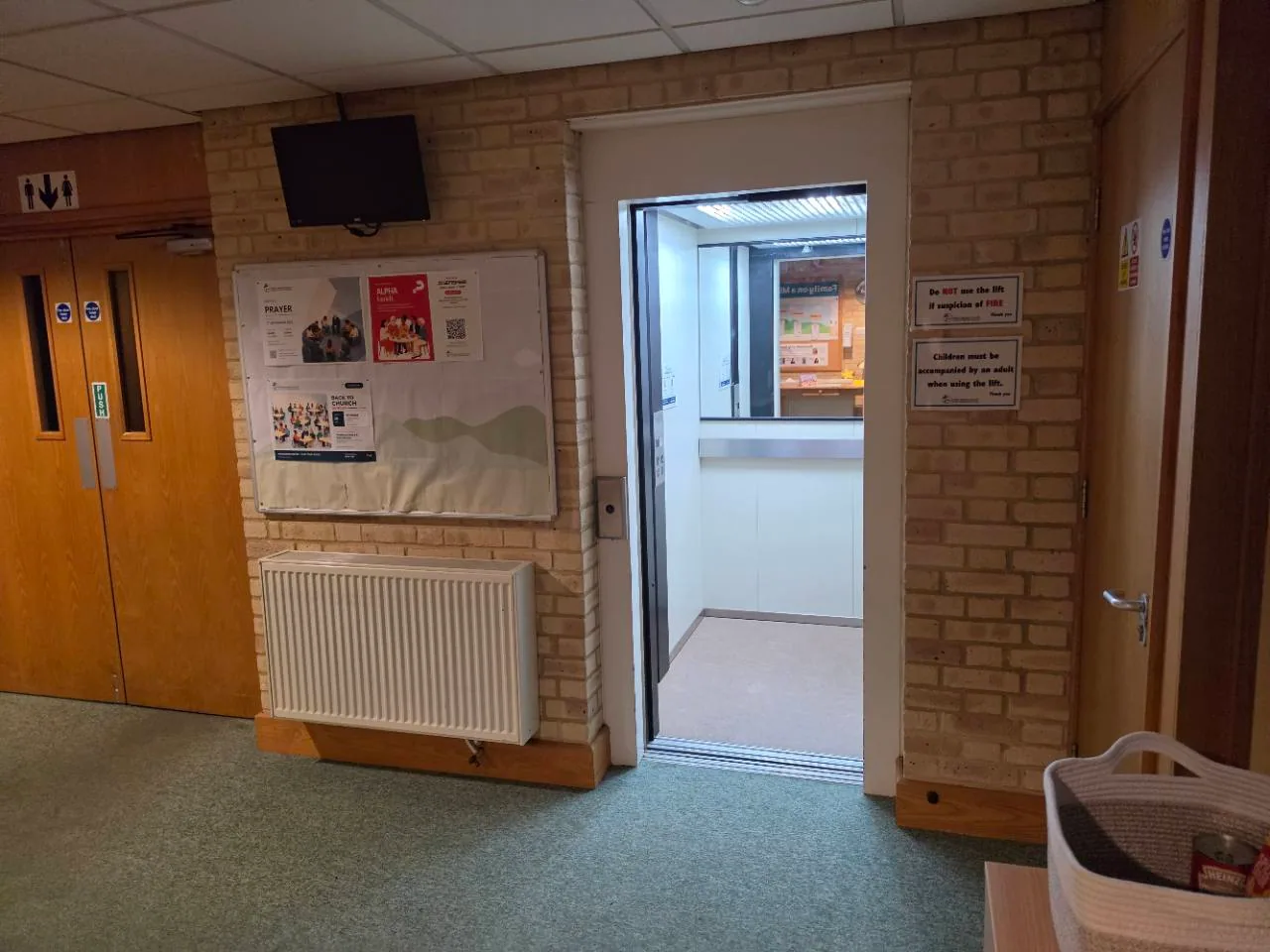
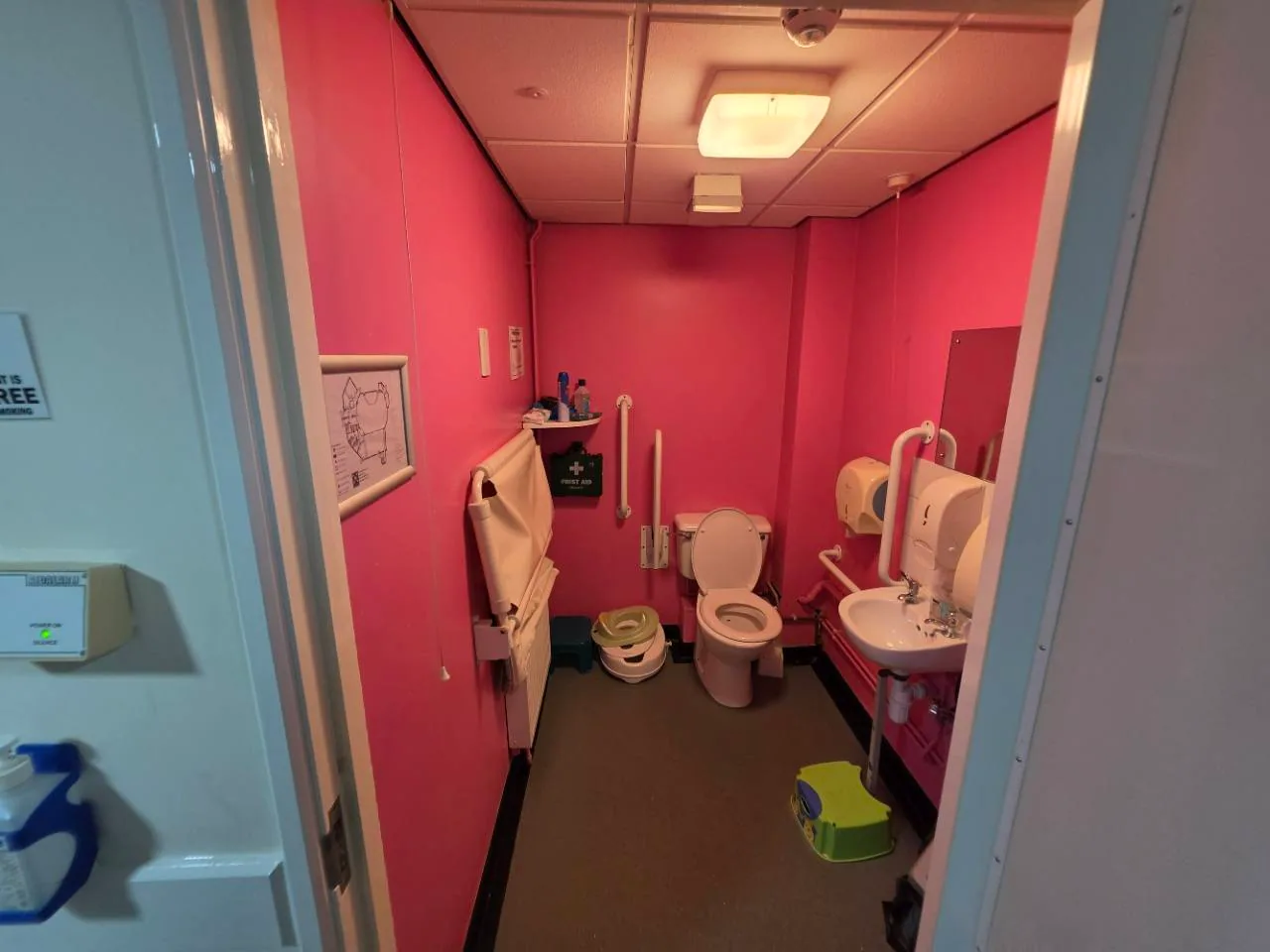
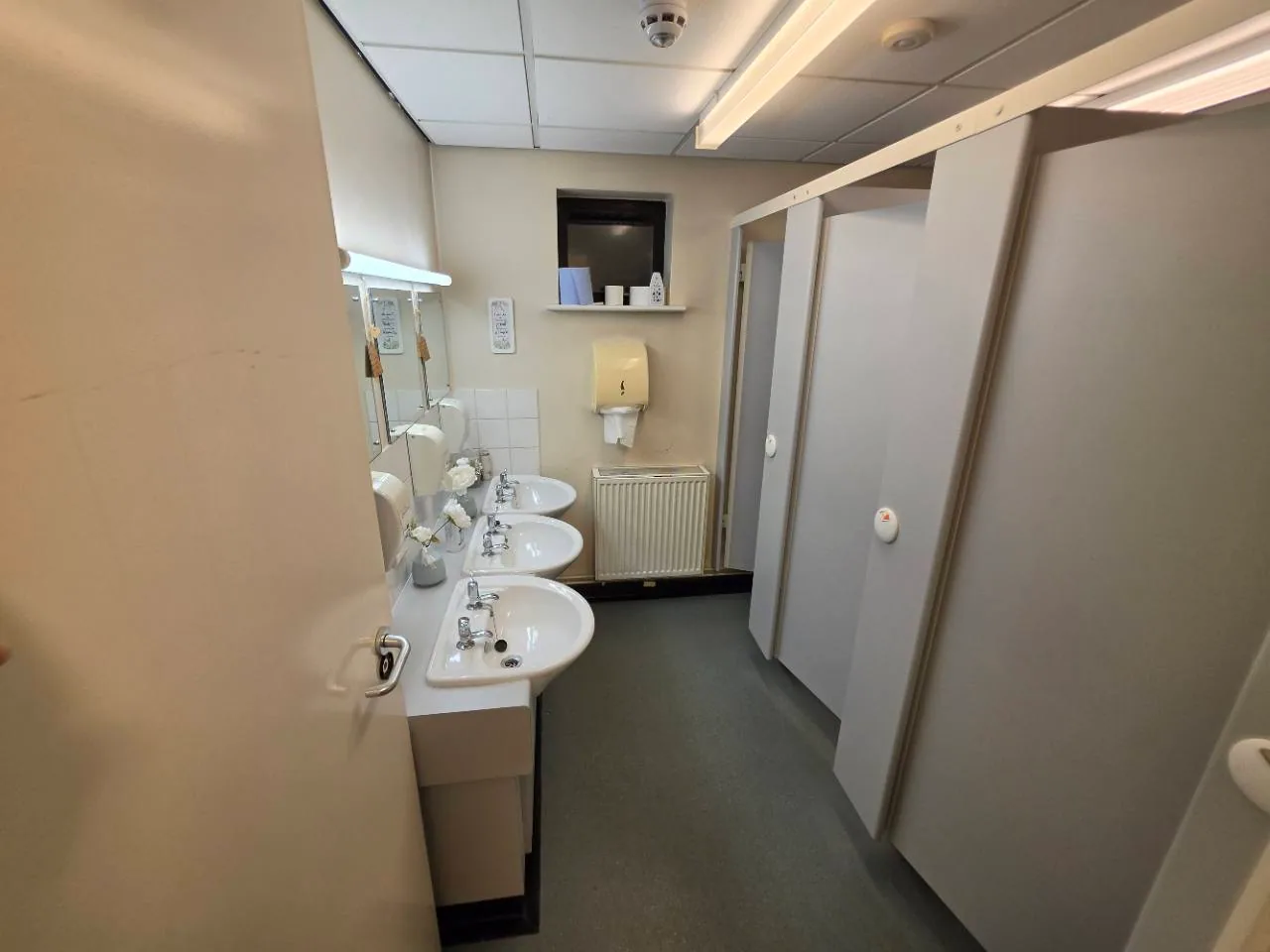
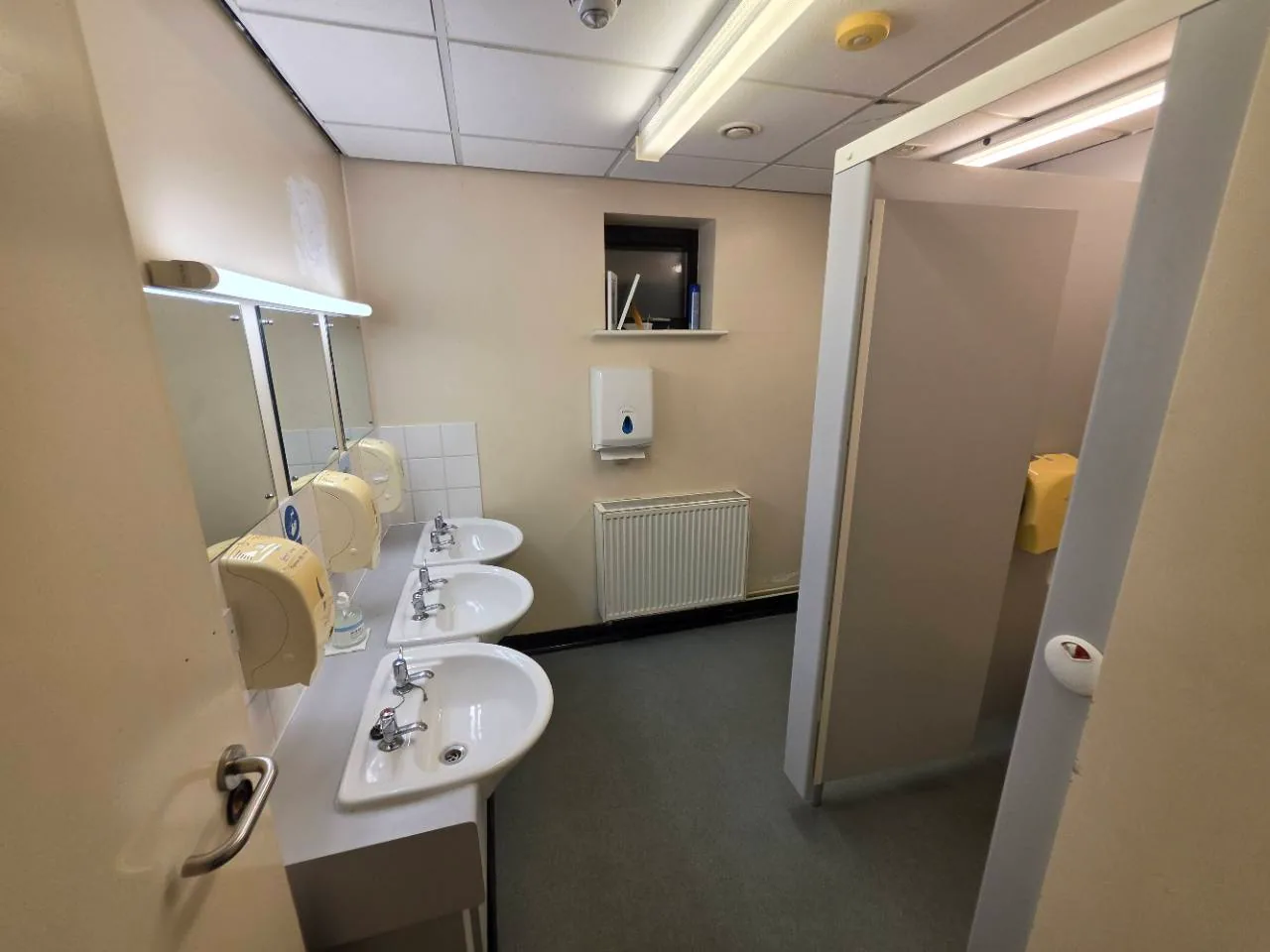
A lift serves the upstairs rooms. There is an accessible toilet, with other toilets on both floors. Include mobility, hearing or other access needs in your request so we can check arrangements with you.
MBC has a substantial rear car park. Let us know about particular parking needs and ask guests to park considerately without obstructing neighbours.
A lift serves the upstairs rooms. Include your access requirements in your online booking request.
View the layout and include any particular access needs in your booking request.
Downstairs
Downstairs
Upstairs
Upstairs
Yes. Add repeating dates in your booking request, check each date and remove any you do not need. Private calendar entries hide booking details. If you need help identifying a class, contact the bookings team.
The photographs show example layouts. Include your group size, furniture and equipment needs so the team can confirm suitability and capacity. Select drinks or food preparation if you need the kitchen. Use the setup and AV options to request support. PA and hearing-loop arrangements for the Worship Hall need to be confirmed.
Sign in to MBC Room Hire, or use your personal setup email to choose a password. Existing hirers' contact details, bookings and invoices are available in their accounts. Contact the bookings team if you need help accessing yours.
Need a hand? Email the bookings team.
MBC Room Hire is operated by Milton Baptist Church. Information entered into the booking process is used by MBC to administer your room hire.
MBC Room Hire YouTube Scheduling is a private administration feature operated by Milton Baptist Church. The designated channel administrator can connect the church YouTube channel and schedule or update livestream listings from selected church events, with a review before sending and optional updates after event edits. Access is restricted to the designated church account.
This feature uses YouTube API Services. Read the MBC privacy policy for details of data use, retention and removing access.
By using this YouTube scheduling feature, you agree to be bound by the YouTube Terms of Service. Use of the feature is also subject to the MBC privacy policy.